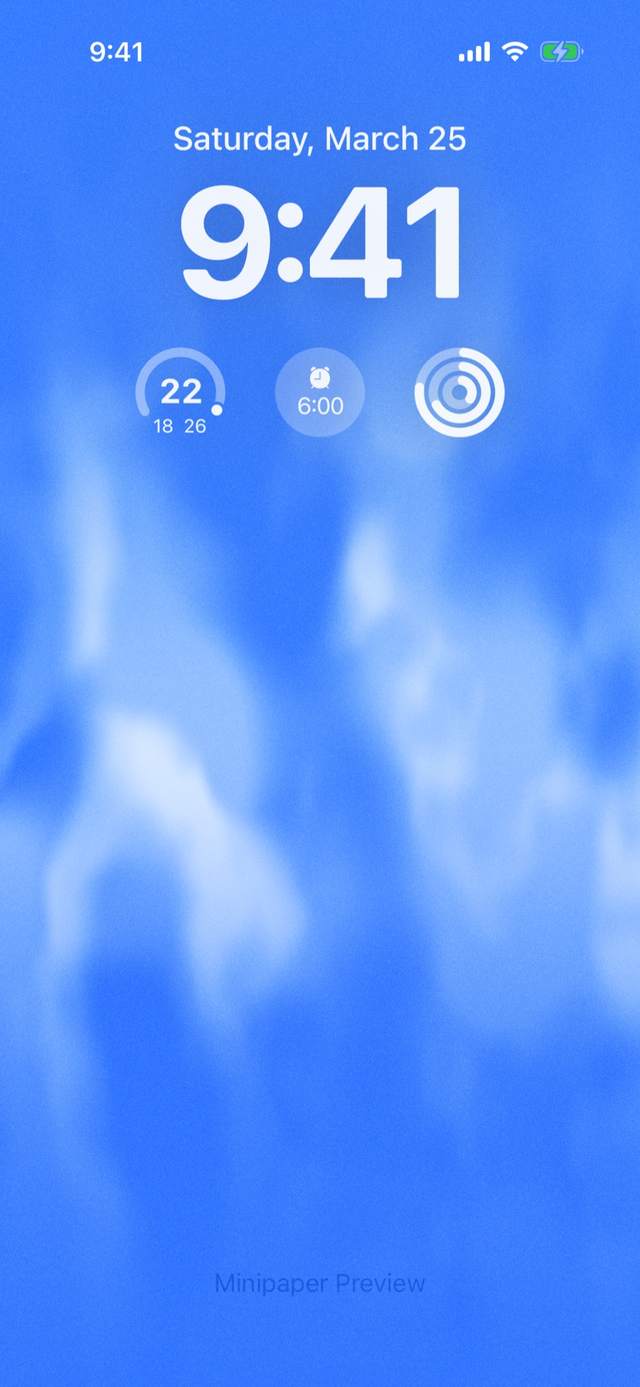
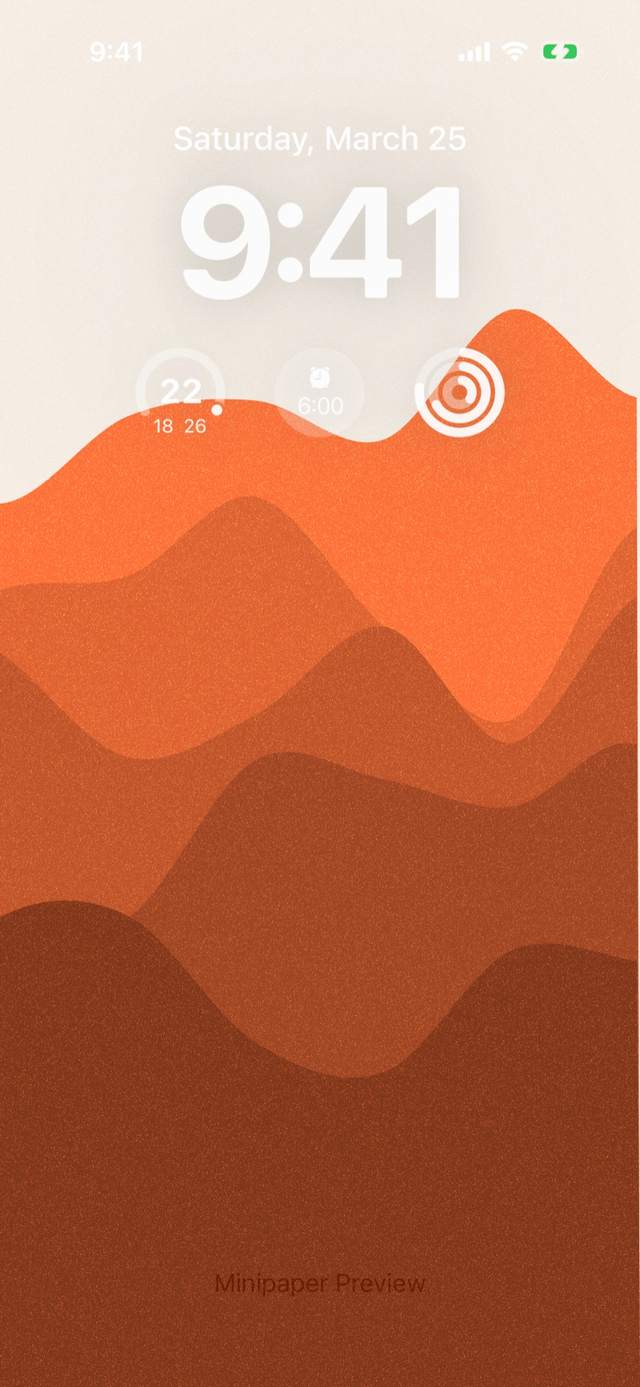
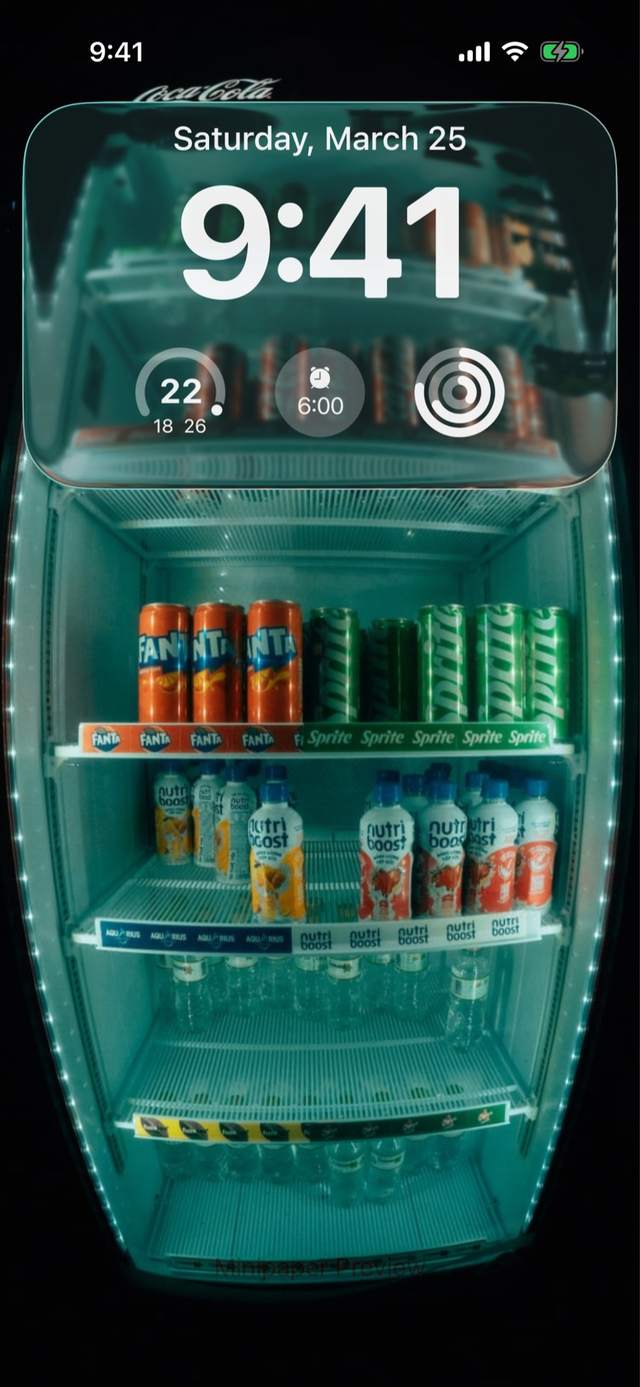
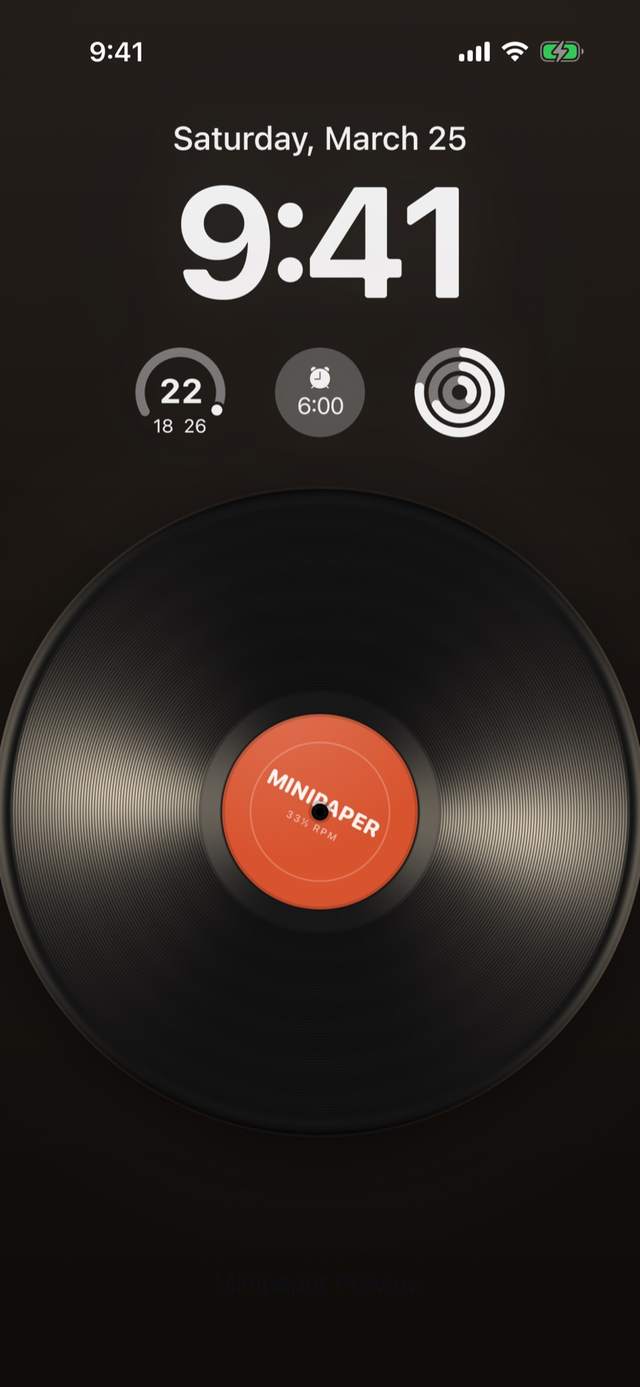
What is Minipaper?
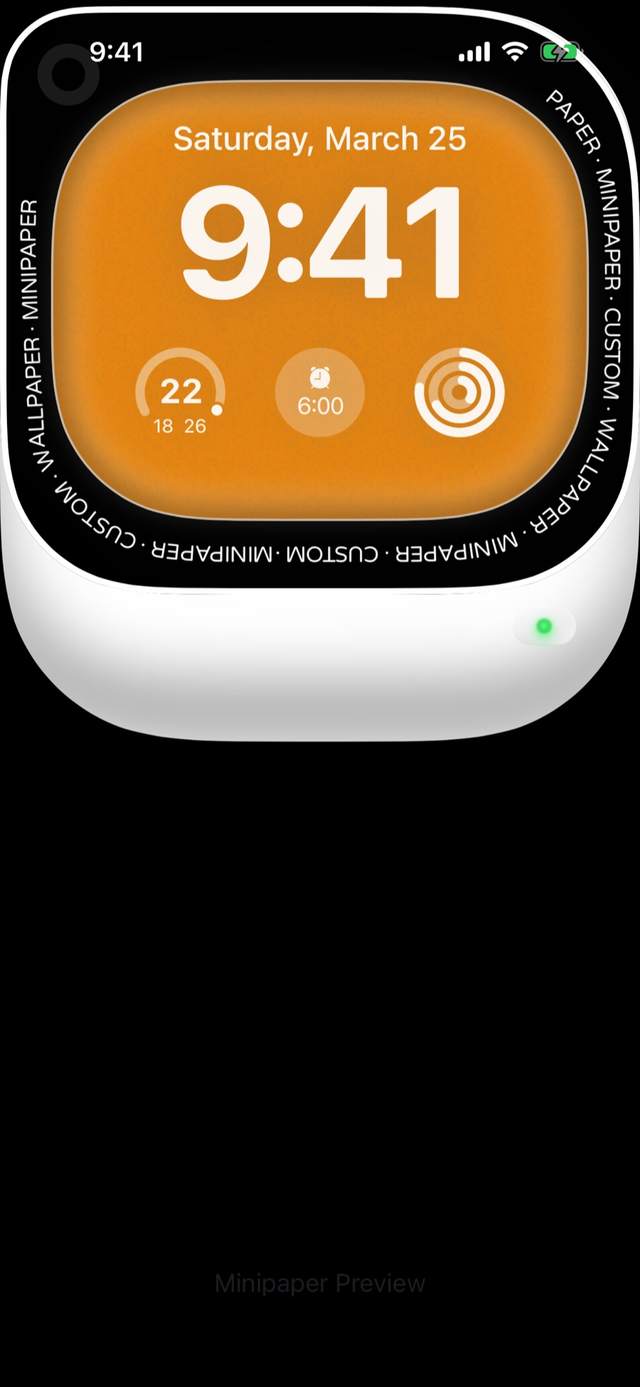
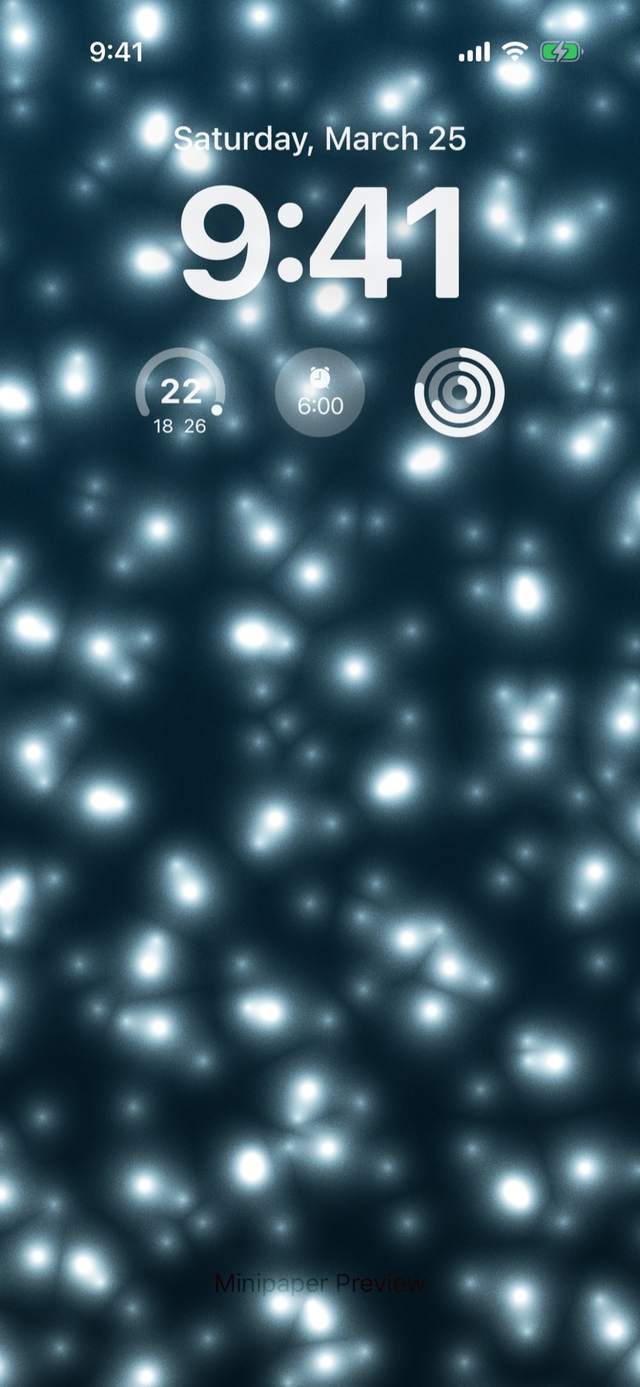
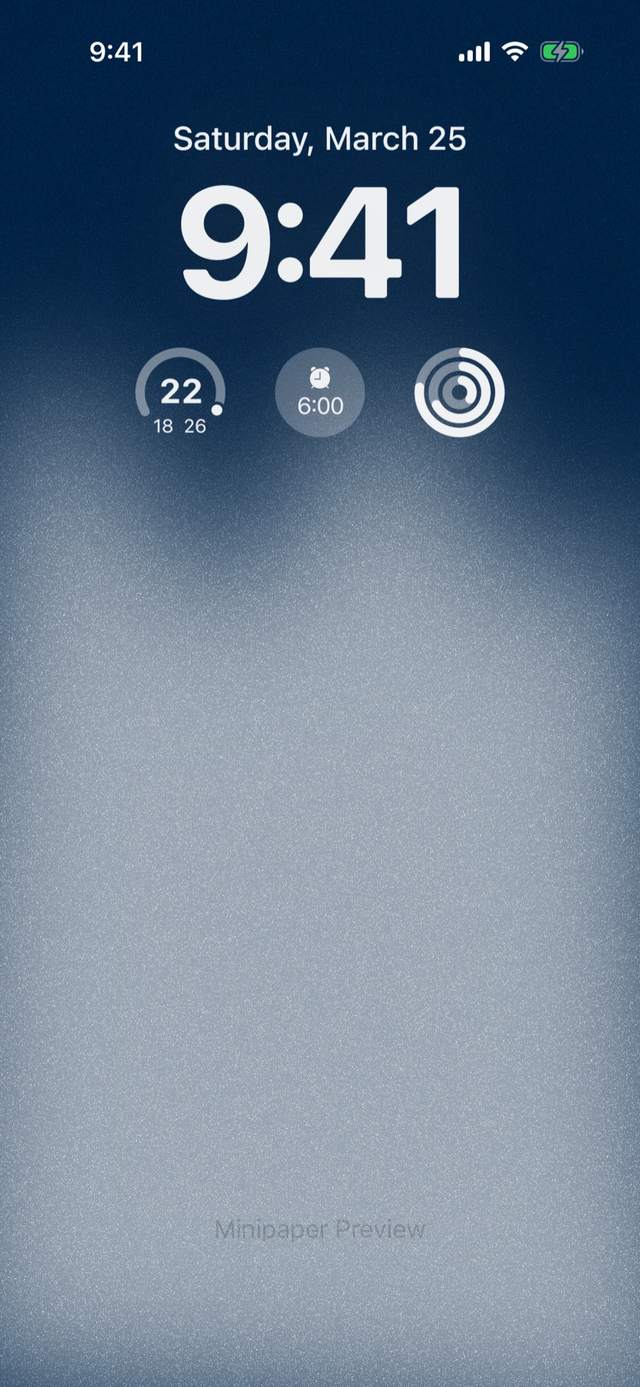
Minipaper is a wallpaper maker app for iPhone and iPad. You pick one of 30+ designer styles, change whatever you want (colours, layout, texture, type, stickers), and export a Lock Screen or Home Screen wallpaper rendered at your device's exact resolution. There are no templates to fight with and no two exports look alike.
Is Minipaper free?
Yes. Minipaper is free to download, and the free styles export unlimited wallpapers at no cost. Minipaper Pro unlocks every premium style and costs $5.99 a month, $19.99 a year, or $29.99 once for lifetime access (US pricing; it varies by region). You can also unlock a single style for a one-time price instead.
Does Minipaper work on iPad?
Yes. Since version 6.0 Minipaper is a full iPad app with a sidebar for browsing, controls laid out for a larger screen, and skeuomorphic styles kept at their true proportions. Designs you make on iPhone carry over.
Which iPhones and iOS versions are supported?
Minipaper requires iOS 18.6 or iPadOS 18.6 or later. Three glass styles (Liquid Glass, Fluted Glass and Glass Bricks) use iOS 26's glass rendering and need iOS 26 or later. Exports follow your device's real screen size and display corner radius, so nothing is cropped or stretched.
Can I make a moving or Live Photo wallpaper?
Aurora, Tide, Vinyl and Prism export as Live Photos, and every style exports as a still. Whether a Live Photo plays on the Lock Screen is up to iOS, not the app: Live Photo wallpapers need iOS 17 or later, and iOS only animates Live Photos it judges suitable, so on some devices and iOS versions the Wallpaper settings show Motion not available and the wallpaper is set as a still. If that happens on yours, the still export looks identical.
Can I use my own photos?
Yes. Photo styles such as Liquid Glass, Fluted Glass, Legacy Glass, Airplane Mode, Vision OS, Vinyl and Calendar build a design around an image you choose. You can also drop a photo in as a sticker on any style, and subject isolation lifts it straight off its background.
How do I set a wallpaper I made in Minipaper?
Tap Export and the wallpaper is saved to your Photos library at full resolution. Then go to Settings, Wallpaper, Add New Wallpaper, and choose it from Photos, or open it in Photos, tap Share and choose Use as Wallpaper. Everything is composed around the clock and widgets, so keep the default crop.
Does Minipaper need an account or upload my photos?
No. There is no account and no sign-in. Wallpapers are rendered on your device, and your photos and designs never leave it. The app only sends anonymous usage counts so we know which features are used.
What languages does Minipaper support?
English, Simplified and Traditional Chinese, Japanese, Korean, German, French, Spanish, Italian, Brazilian Portuguese, Dutch and Arabic.
Is Minipaper available on Android or Mac?
No. Minipaper is an iPhone and iPad app, available only on the App Store.
More in support, and every style is listed on the styles page.